

Newborn photography lives and dies on skin tones and softness. One wrong preset and a baby's complexion goes orange, purple, or flat. Visual Flow presets are built around the actual lighting conditions of newborn sessions — soft window light, diffused flash, and the clean, bright environments where newborn work happens.

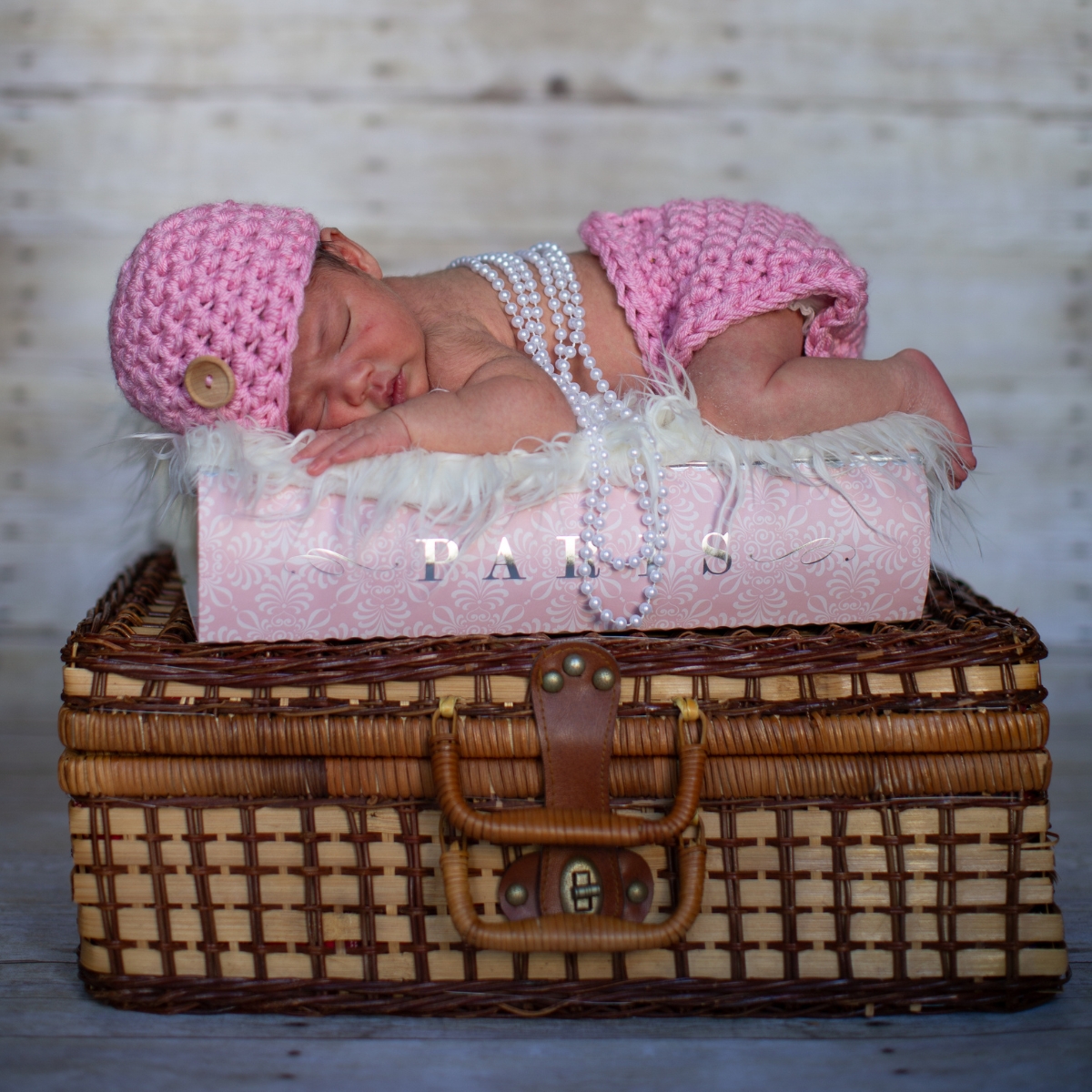
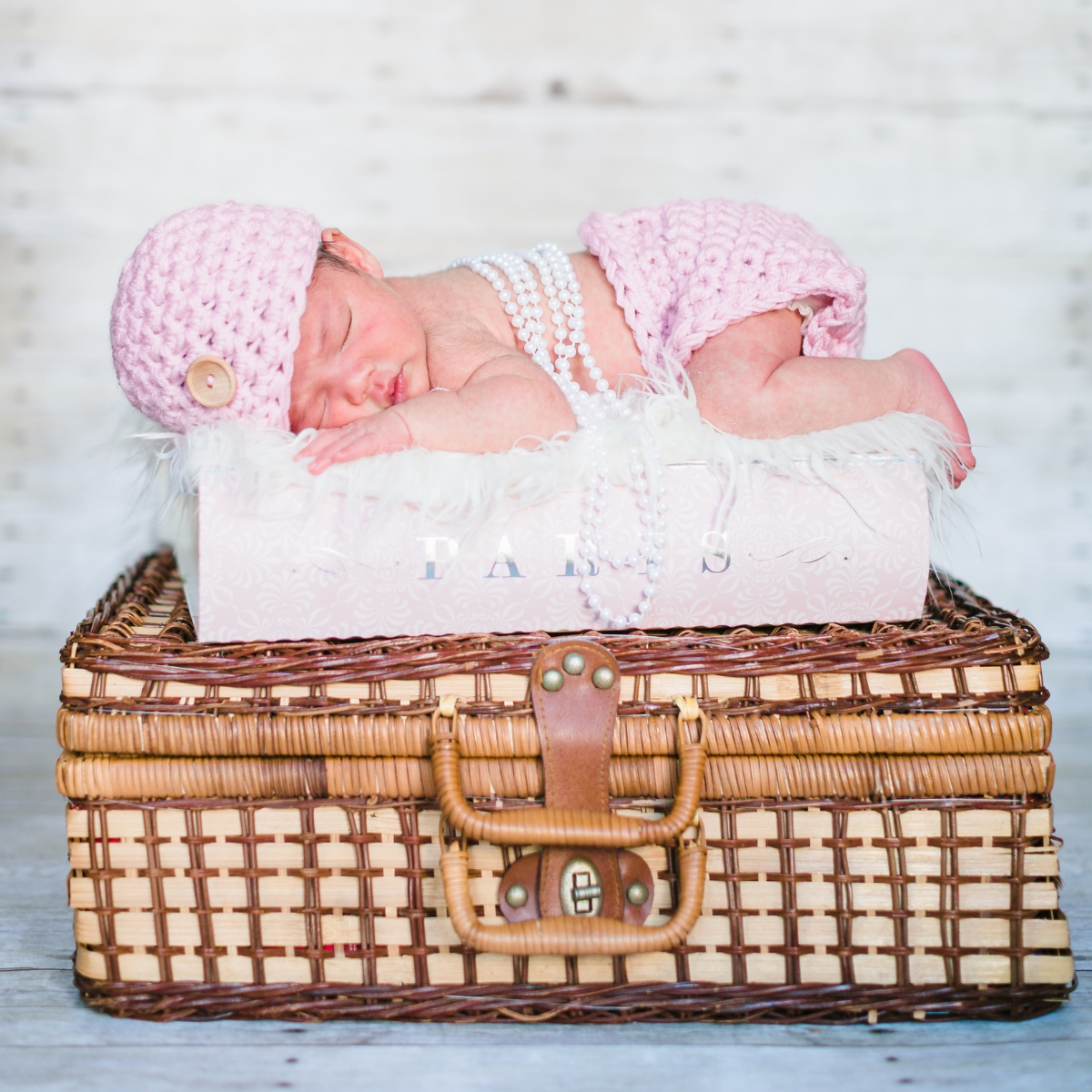
Recommended Preset Packs
The Best Lightroom Preset Packs for Newborn Photographers

Modern
Warm, vibrant, and natural. Accurate skin tones across all newborn lighting conditions with a bright, clean finish.
View Pack →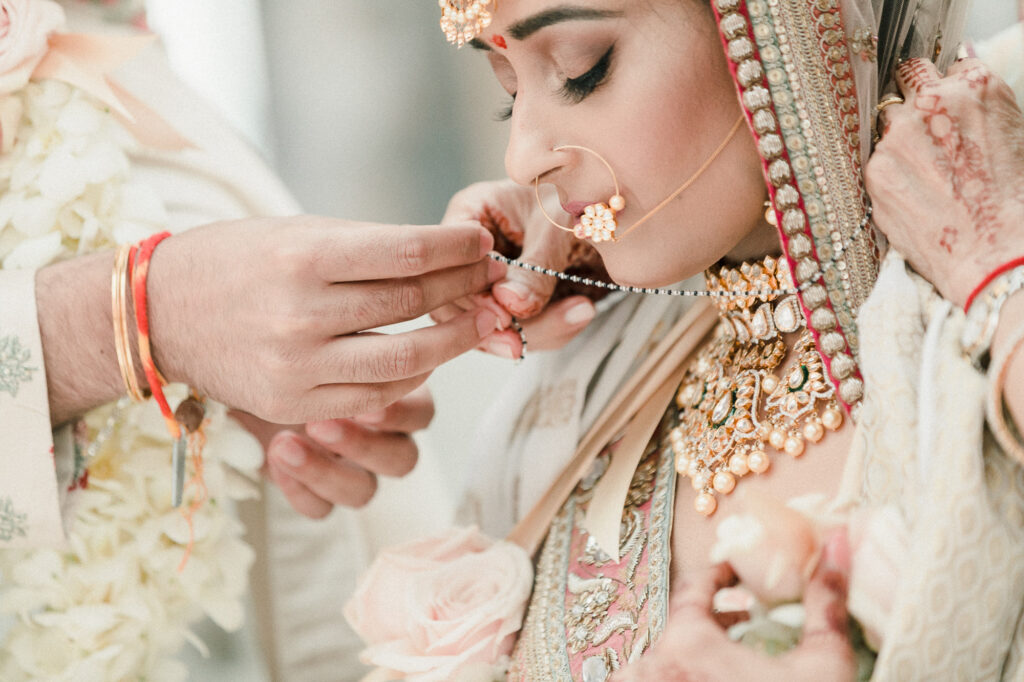
Pastel Lightroom Presets
Soft, filmic, and light. The go-to for the bright airy aesthetic most newborn photographers and their clients love.
View Pack →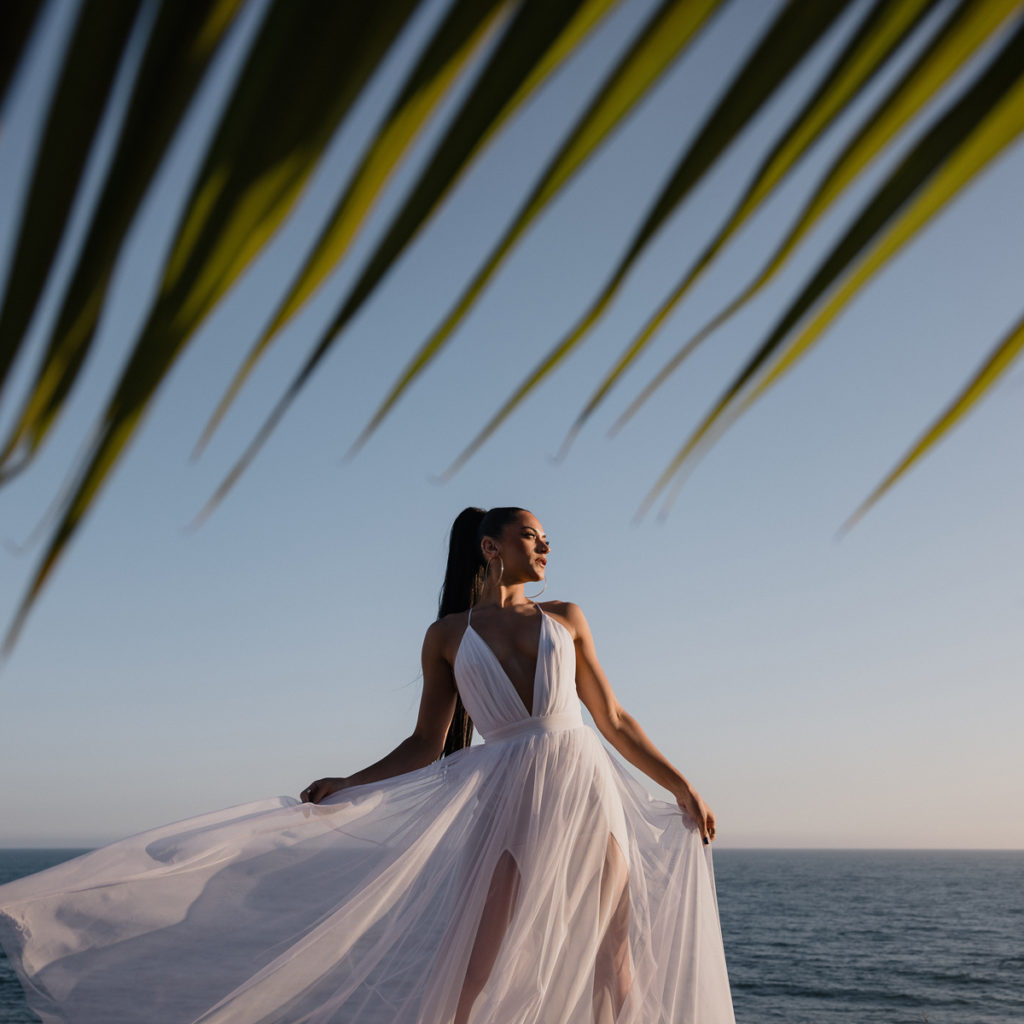
Pure Lightroom Presets
Clean and editorial. A subtle matte finish that keeps the focus on the baby without heavy color grading.
View Pack →When To Use Each Preset
Matching Your Preset to the Light
Soft window light from a north-facing window, large diffused flash or studio strobes with a softbox, overcast outdoor natural light, and bright indoor environments with white or neutral walls. Newborn sessions rarely involve harsh light — the challenge is maintaining warmth and skin tone accuracy without going oversaturated or losing the clean, airy feel.
Why Newborn Photography Demands Precise Preset Control
Newborn skin is the most unforgiving subject in photography. Color casts that are barely noticeable on adult portraits become immediately obvious on a newborn — a slight orange push looks like jaundice, a cool shift reads as unhealthy, and oversaturation destroys the delicate, innocent quality that defines the genre. Getting newborn skin tones right requires a preset system built for precision, not just aesthetic style.
Visual Flow presets are developed and tested on real images across all lighting conditions, including the soft diffused light environments where newborn sessions happen. The result is accurate, natural skin tones as the starting point — not a heavy-handed look you have to fight to correct.
The Lighting Conditions of a Newborn Session
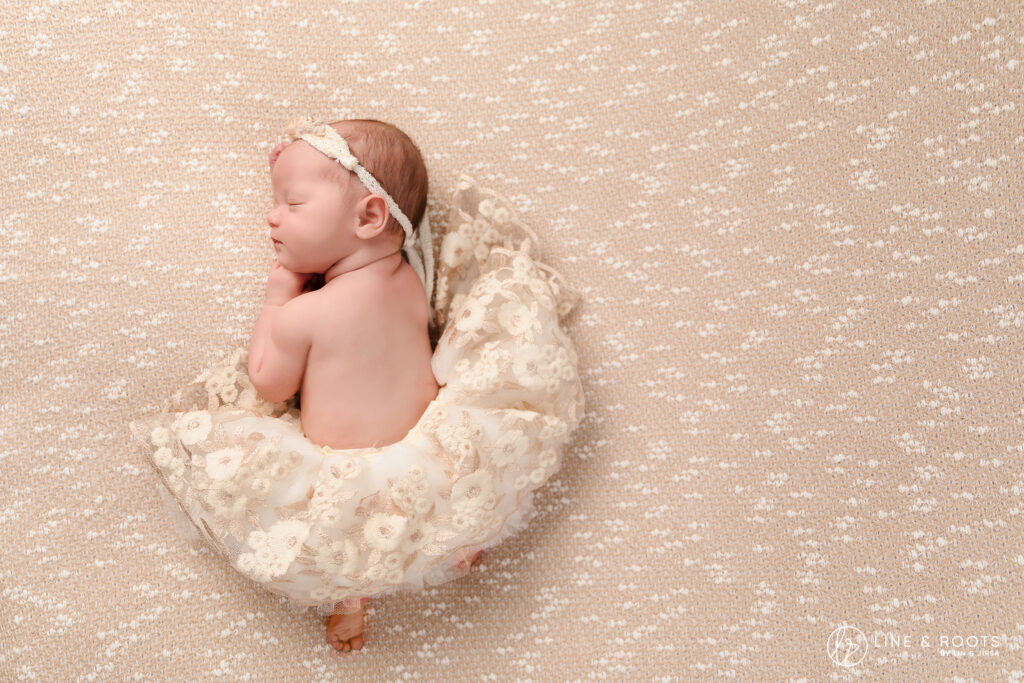
Most newborn sessions take place in one of three lighting environments: soft window light from a north-facing window, large diffused flash or studio strobes with a softbox, or bright indoor environments with white or neutral walls. These are all soft, low-contrast lighting scenarios. The challenge is not recovering dynamic range or managing harsh shadows — it is maintaining warmth and skin tone accuracy while keeping the overall image bright, clean, and slightly luminous.
Visual Flow includes a dedicated Soft Light preset and a Diffused Flash preset in every pack, developed specifically for these conditions. Apply the preset, adjust white balance to taste, and your skin tones are accurate. That is the workflow.
Why Modern, Pastel, and Pure Work Best for Newborn Photography
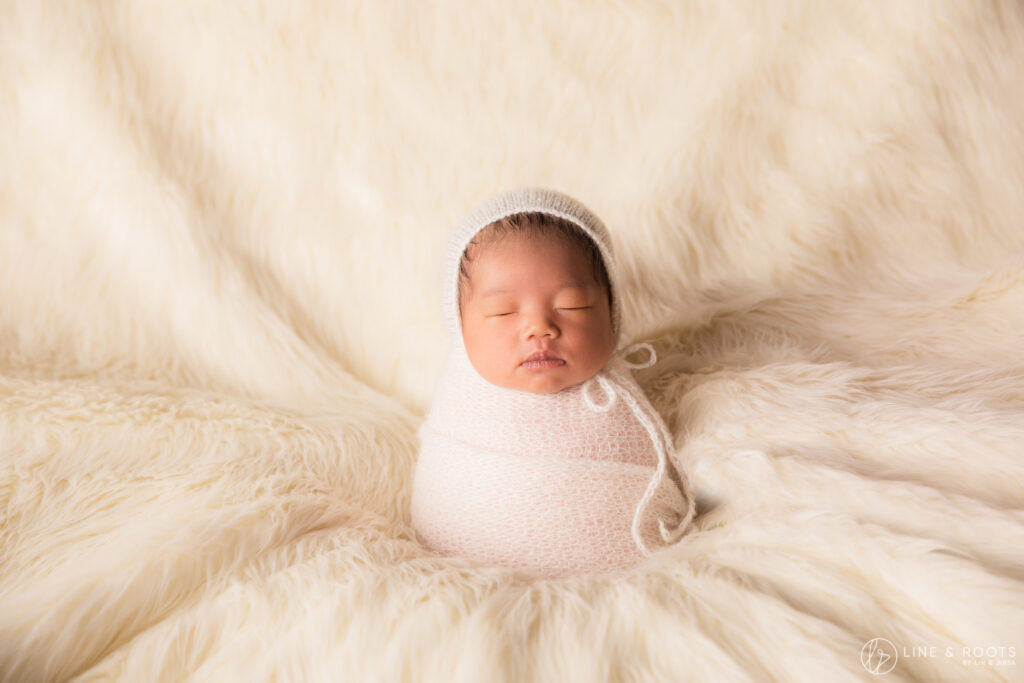
Not every Visual Flow pack is equally suited to newborn work. The dark, earthy packs like Mood and Crush are built for dramatic, high-contrast scenes — the opposite of the clean, innocent aesthetic newborn photography calls for. The three packs that perform best for newborn sessions are Modern, Pastel, and Pure.
Modern delivers warm, vibrant, natural results. It is the most universally flattering pack across all skin tones and works beautifully in both window light and studio flash environments. If you want one pack that handles everything in a newborn session, Modern is the right starting point.
Pastel is purpose-built for the light and airy aesthetic that dominates newborn photography. Soft whites, gentle pastels, bright exposure, and a subtle filmic quality — this is the look that fills most newborn photographers’ portfolios. If your brand is built around that bright, dreamy aesthetic, Pastel is your primary pack.
Pure is the clean, editorial option. A subtle matte finish with natural color rendering and minimal stylization. For photographers who want their work to feel timeless and documentary rather than heavily edited, Pure delivers polished results that let the subject speak for itself.
Skin Tone Accuracy Across Different Newborn Complexions
Newborns arrive with a wide range of skin tones — from very fair to deep brown — and many newborns have naturally ruddy or blotchy skin in their first days and weeks. A preset that renders beautifully on one complexion can go dramatically wrong on another. Visual Flow presets are developed using the DVLOP dual-illuminant profile system, which builds color accuracy into the profile layer before any preset adjustments are applied. This means the preset sits on top of an accurate color foundation rather than fighting against a camera-specific color cast.
The practical result is consistent, flattering skin tones across different complexions and camera systems — whether you are shooting on a Canon, Nikon, Sony, or Fuji body.
Batch Processing a Newborn Session
A typical newborn session produces between 80 and 200 images, usually shot in two or three consistent lighting setups. This is an ideal scenario for batch processing with the lighting condition system. Sort your images by setup — window light poses, wrap shots under studio flash, family portrait groupings — apply the corresponding preset to the first image in each group, adjust white balance, then batch sync to the rest of the group.
Most newborn photographers report completing a full session edit in under two hours using this workflow. The consistency across the gallery is what clients notice — every image feels like it belongs in the same story.
Compatible Software and Formats
All Visual Flow preset packs work with Lightroom Classic, Lightroom CC, Lightroom Mobile for iOS and Android, and Adobe Camera Raw in Photoshop. Presets are delivered in XMP format for Lightroom Classic and DNG format for Lightroom Mobile. One purchase covers all formats and all devices, with free updates as packs are refined over time.
Ready to Get Started?
Clean, Consistent Newborn Edits. Every Session.
Accurate skin tones, soft natural light results, and a bright clean look your clients will love — straight out of Lightroom.
Browse All Preset PacksNot sure where to start? Browse by editing style →