
Landscape photography is about what you felt standing in that place — the drama of the light, the depth of the colors, the quiet of the scene. The right preset enhances what was actually there. The wrong one turns a real moment into something that looks manufactured. Visual Flow gives landscape photographers presets that work with natural light rather than overriding it.

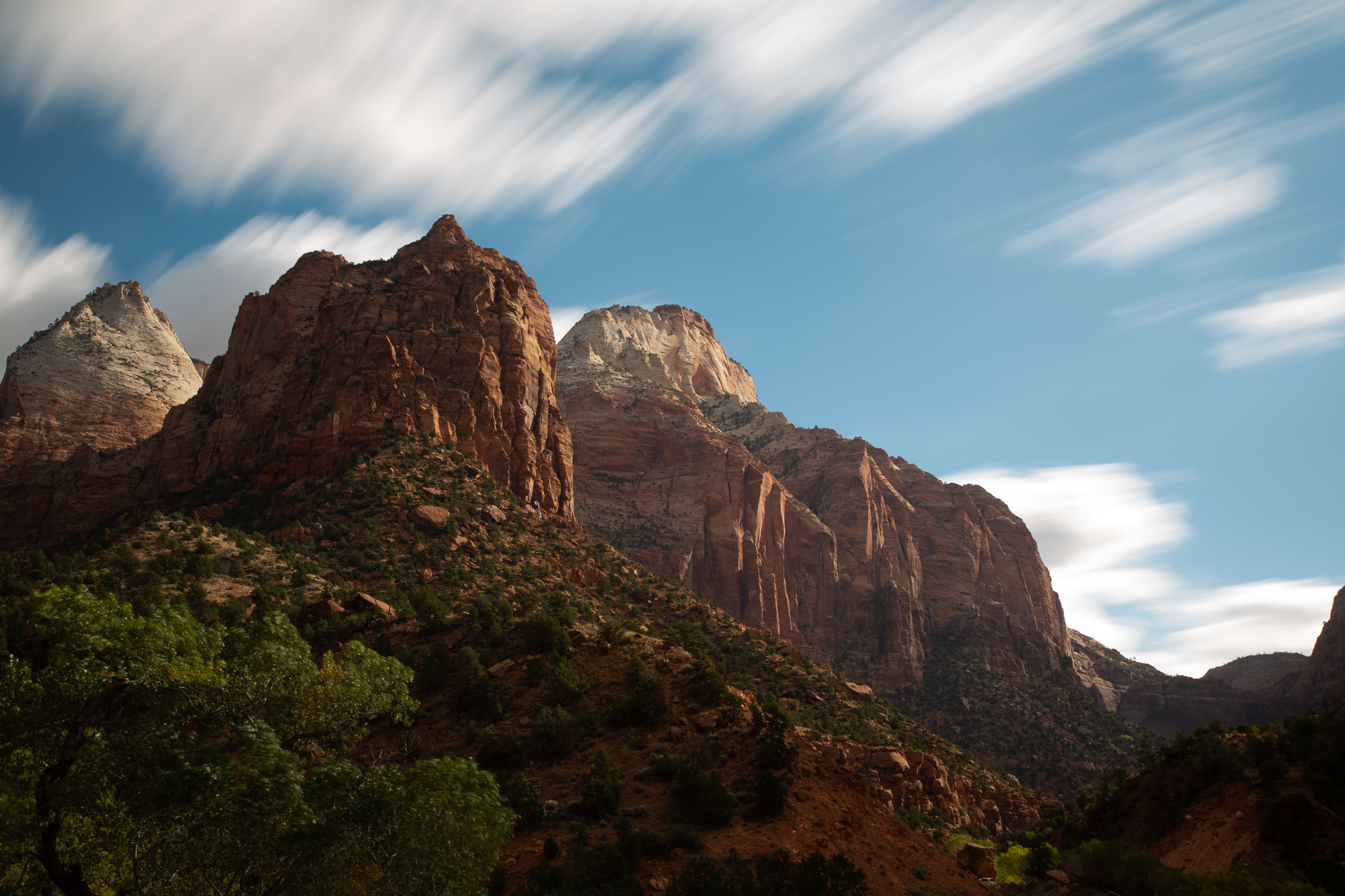
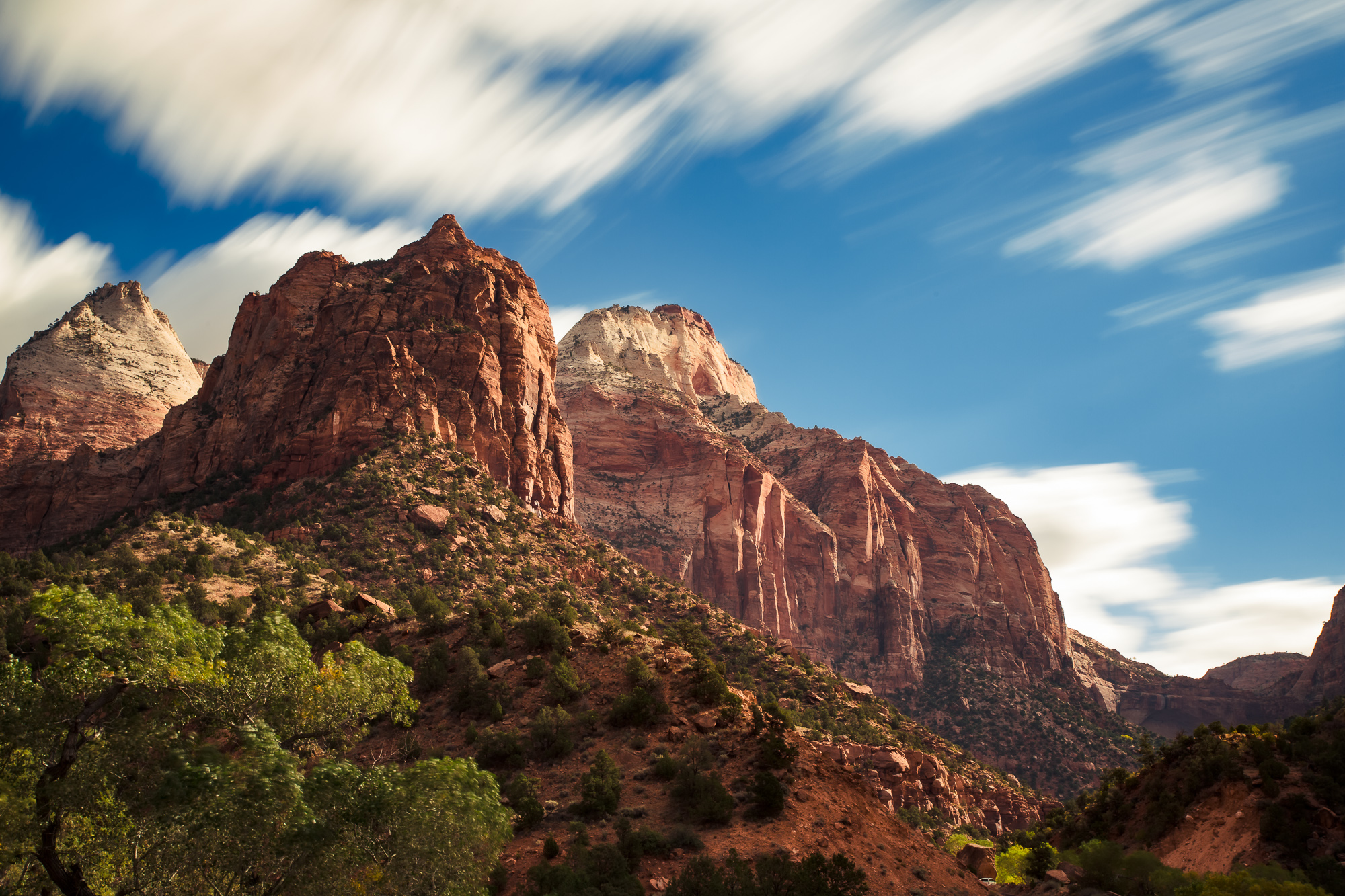
Recommended Preset Packs
The Best Lightroom Preset Packs for Landscape Photographers

Modern
Warm and true to color — preserves natural tones while adding warmth and vibrancy without oversaturation.
View Pack →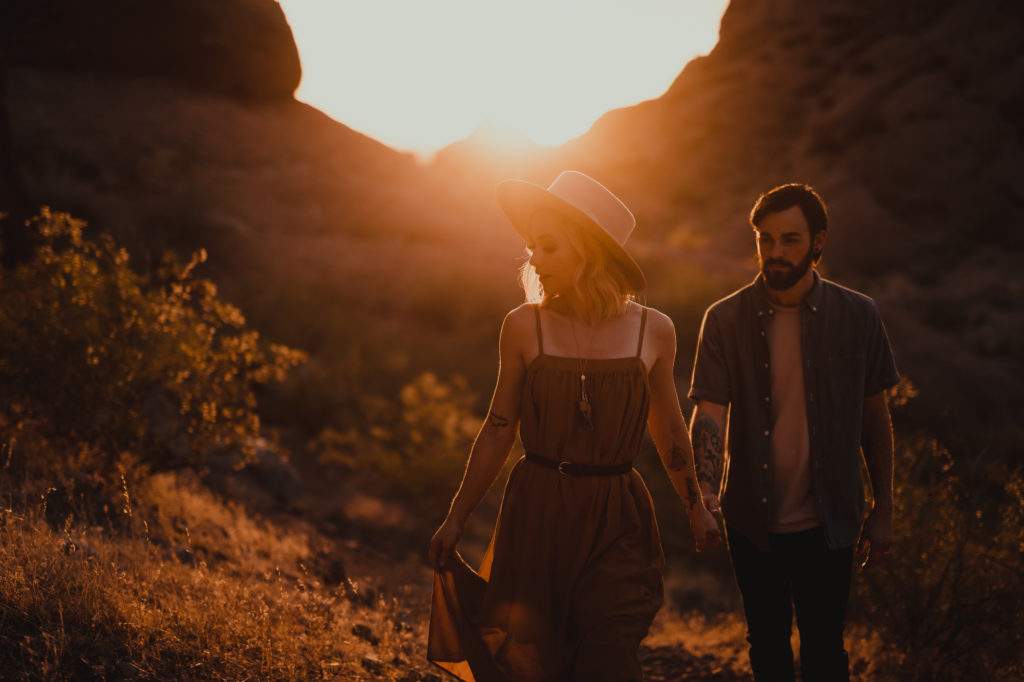
Mood Lightroom Presets
Dark and cinematic — deep shadows, rich earth tones, and a melancholy atmospheric quality for dramatic landscapes.
View Pack →
Crush Lightroom Presets
Bold and vivid — emphasizes blues, saturates the scene, and brings out strong contrast for epic landscapes.
View Pack →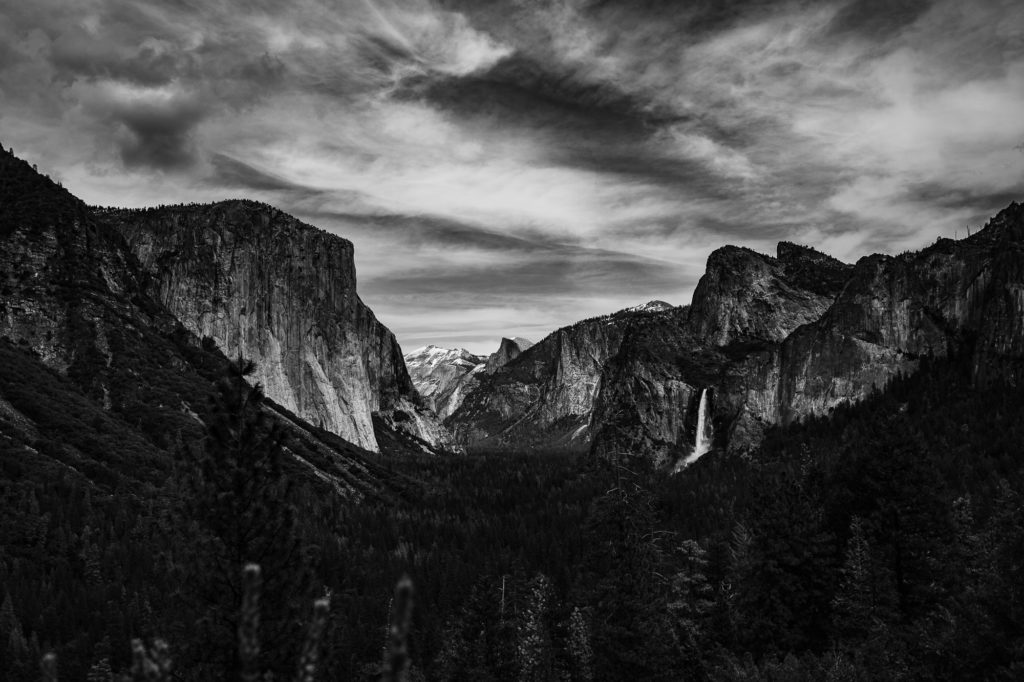
Black and White Presets
Dramatic B&W conversions with full tonal control — from high contrast and dramatic to soft and minimal.
View Pack →When To Use Each Preset
Matching Your Preset to the Light
Golden hour and blue hour, harsh midday sun, overcast flat light, dramatic stormy skies, sunrise mist and fog, coastal and beach scenes with bright reflective water, forest interiors with green cast, desert and arid environments, and night scenes with mixed artificial light.
What Separates Good Landscape Presets from Over-Processed Ones
The landscape photography community has a well-earned skepticism toward presets. Most landscape presets push saturation too hard, crush blacks aggressively, and produce results that look manufactured rather than natural. The Instagram-era tendency toward hyper-saturated skies, glowing highlights, and teal-and-orange color grading has given presets a reputation for making landscapes look worse, not better.
The best landscape presets enhance what the light was already doing in the scene. They add depth and richness without pushing colors beyond what the eye actually saw. They manage contrast to reveal detail in shadows and highlights rather than crushing them for dramatic effect. And they produce results that look professional and intentional without announcing themselves as preset-processed.
Visual Flow presets are developed on real images across all lighting conditions. The color science is built on the DVLOP dual-illuminant profile system, which establishes accurate color rendering before the preset layer is applied. The result is a preset that works with the natural color of the scene rather than fighting against it.
The Four Landscape Moods and Which Pack Delivers Each
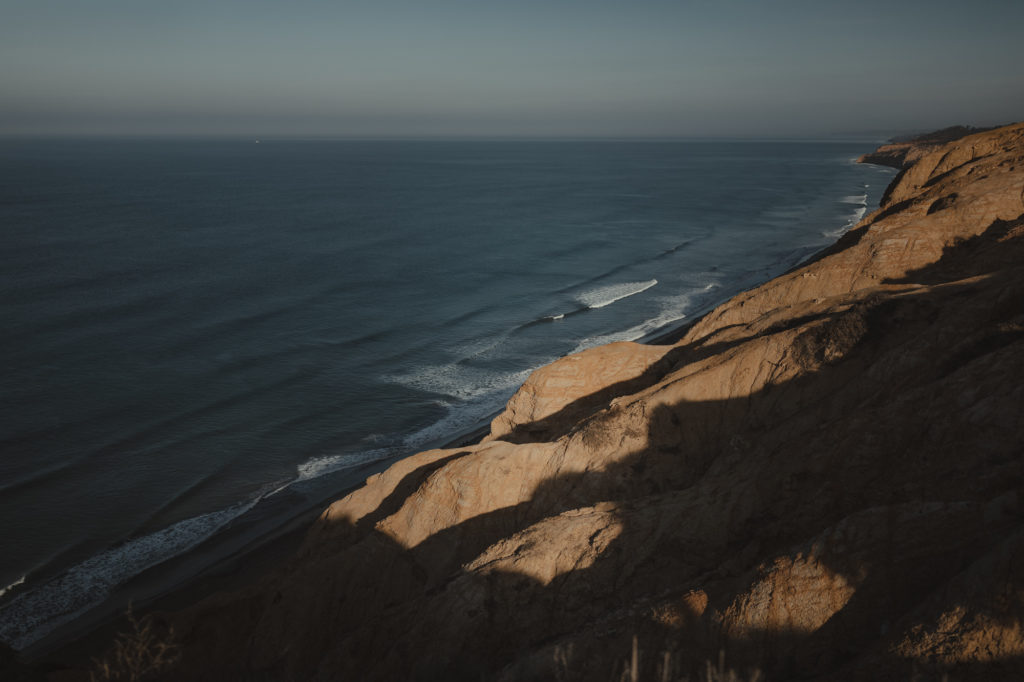
Landscape photography tends to fall into four broad aesthetic categories, and Visual Flow has a pack optimized for each. Natural and true-to-color — Modern. The warm, vibrant character of Modern enhances a landscape without stylizing it. Greens look like greens. Skies look like skies. The warmth adds richness without crossing into oversaturation. This is the pack for photographers who want their work to look polished but honest.
Dark and atmospheric — Mood. The deep shadows, muted tones, and earthy character of Mood give landscapes an emotional, cinematic quality. Overcast days, misty mornings, autumn forests, and stormy coastal scenes all come alive with Mood. It is the pack for photographers drawn to drama and atmosphere over brightness and vibrancy.
Bold and epic — Crush. When the scene demands impact, Crush delivers. Deep blues, saturated colors, strong contrast, and a visual punch that turns a good landscape into something that stops a viewer. This is the pack for those epic wide shots, dramatic skies, and scenes where visual impact is the priority.
Black and white — the B&W Mixer. Landscape photography has a deep tradition in black and white, from Ansel Adams to modern fine art work. The Visual Flow Black and White Mixer gives photographers full tonal control to create conversions that range from high-contrast and dramatic to soft, subtle, and minimal. It is not a simple desaturation — it is a complete toolkit for black and white landscape work.
Editing Golden Hour and Blue Hour Landscapes

Golden hour is the most prized light in landscape photography — and also one of the most challenging to edit consistently. The warm, directional light shifts rapidly through a range of color temperatures as the sun approaches the horizon. A preset that looks perfect at the start of golden hour can produce very different results twenty minutes later as the light warms and softens.
Visual Flow handles this through the lighting condition system. The Soft Light preset manages the gentle, diffused quality of early golden hour. The Backlit preset handles scenes where the sun is in or near the frame. The Hard Light preset manages the last moments of direct sun when shadows are long but the light is still strong. Switching between these as the light changes keeps your results consistent across the entire golden hour window.
Blue hour — the period after sunset when the sky takes on deep blues and purples — benefits from the HDR Natural preset, which preserves the full tonal range of the scene without crushing the shadows or blowing the remaining sky detail.
Working with Dramatic and Stormy Light
Storm light is among the most spectacular and most difficult to edit. The combination of dark clouds, shafts of direct sun breaking through, and rapidly changing conditions produces images with extreme dynamic range and complex color. Standard presets tend to either crush the shadows into black or blow the highlights trying to manage the contrast.
The HDR Natural preset in every Visual Flow pack is specifically developed for high dynamic range scenes. It preserves detail across the full tonal range while maintaining natural color. Applied to a storm-lit landscape, it reveals the drama that was in the scene without the artificial HDR look that plagues so much landscape photography.
Black and White Landscape Photography
Black and white strips a landscape down to its essential elements — light, shadow, texture, and form. The Visual Flow Black and White Mixer gives landscape photographers precise control over how color channels are converted to monochrome tones. Reds, oranges, yellows, greens, blues — each channel can be adjusted independently to control how specific elements in the scene translate to the grayscale image.
For a dramatic sky over a desert landscape, pulling the blue channel dark creates powerful, brooding clouds while keeping the warm-toned earth light and textured. For a forest scene, adjusting the green channel controls how the foliage renders relative to the dark tree trunks and bright sky. This level of control is what separates a flat desaturation from a compelling black and white landscape.
Batch Processing Landscape Shoots
Landscape photographers often return from a session or trip with hundreds of images shot across multiple locations, conditions, and times of day. The lighting condition system makes batch processing efficient even across this variety. Group images by location and lighting condition, apply the corresponding preset to the first image in each group, fine-tune white balance and exposure, then batch sync to all similar frames.
A full day of landscape shooting — 200 to 400 selects — can typically be processed in three to five hours using this workflow, with consistent results across every scene and condition.
Compatible Software and Formats
All Visual Flow preset packs work with Lightroom Classic, Lightroom CC, Lightroom Mobile for iOS and Android, and Adobe Camera Raw in Photoshop. Presets are delivered in XMP format for Lightroom Classic and DNG format for Lightroom Mobile. One purchase covers all formats and all devices, with free updates as packs are refined over time.
Ready to Get Started?
Landscape Presets That Respect the Scene.
Enhance the light that was actually there. Four packs covering every landscape mood — from true-to-color natural to bold and cinematic.
Browse All Preset PacksNot sure where to start? Browse by editing style →