Why Presets Still Matter in an AI Editing World
AI editing tools have exploded in popularity this year. With more photographers experimenting with automated workflows, a common question keeps popping up:
“Do presets still matter?”
The short answer: Yes. Absolutely.
AI has changed the industry for the better. It’s fast, powerful, and capable of handling large volumes of work in ways that were impossible a few years ago. But even with these advancements, presets remain a critical part of a modern photographer’s workflow. In fact, the best results often come from using AI and Lightroom Presets together, not choosing one over the other. Here’s why presets are still essential.
1. Fast Turnaround Situations Still Demand Presets
AI is great—but it’s still not as fast or accessible as a preset-based workflow in Lightroom or Lightroom Mobile.

For photographers who use the powerful marketing hack of same-day slideshows or same-day vendor previews, presets are still the fastest and most reliable tool available.
Why? Because presets allow you to:
- Edit directly on an iPad or iPhone with Lightroom Mobile
- Apply a consistent look instantly
- Avoid cloud uploads, syncing delays, or batch rendering
- Deliver a polished set of images in minutes
- Work offline in locations with poor connectivity
When you’re on-site at a wedding and racing the clock, speed wins. AI—whether local or cloud-based—simply can’t beat the immediacy of presets in these real-world, high-pressure situations.
2. For Smaller Sessions, Presets Are Still Faster Than AI

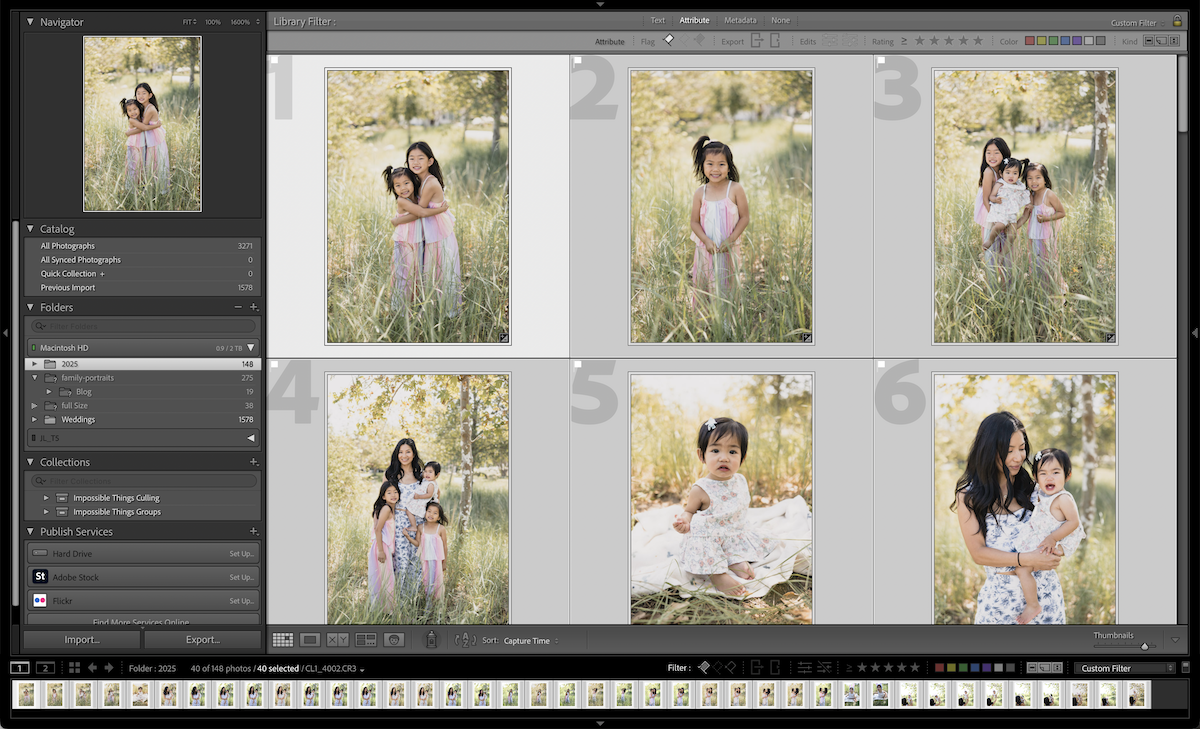
Not every shoot needs AI batch editing. For smaller sessions—portrait shoots, headshots, mini sessions, engagements, senior portraits, branding sessions—presets are often the faster option, especially when you’re working with:
- One lighting setup
- One location
- Consistent exposure
- A small number of images
Presets give you a polished look in seconds and sync effortlessly across similar files. For quick portrait work, presets still offer the most streamlined, efficient workflow.
3. Presets Are Essential When AI Doesn’t Get It Right
AI is impressive, but even the best tools don’t get images right 100% of the time. Once you get your images back from your favorite AI editor, you will still need a few corrections, and that’s where a good set of presets can shine. AI can struggle with: Creative Lighting,
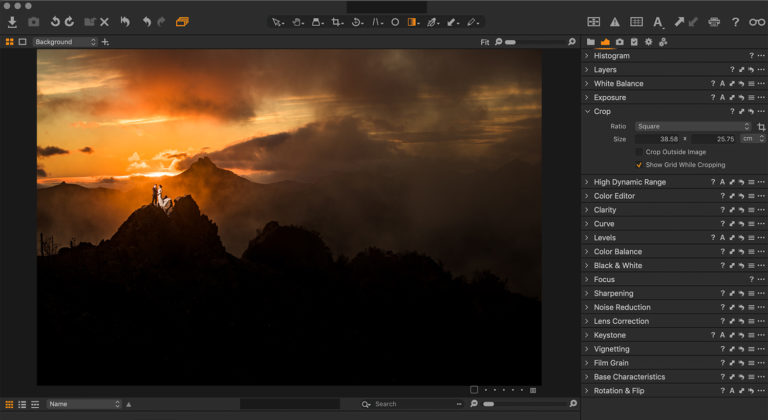
Mixed lighting, Extreme backlighting, Unusual color casts, High ISO noise, and Stylistic color choices.
When AI gets confused or produces color that feels “off,” presets give you a reliable baseline to pull the image back to where it needs to be—quickly and consistently.
4. Presets Let You Test and Play
Another major advantage of presets—especially in an AI-driven world—is how quickly they let you explore different creative directions.

With one click, you can see how an image would look:
This kind of rapid style exploration is something AI doesn’t do nearly as well. Presets give you an intuitive, visual way to compare aesthetics side by side, refine your creative vision, and choose the look that best fits the moment—all without rebuilding edits from scratch.
The Fastest, Most Reliable Workflow Today Uses Both
The most efficient photographers today aren’t choosing between AI or presets—they’re combining them. AI tools are incredible for speeding up base corrections, handling large volumes, and taking care of the repetitive parts of editing. But presets remain essential for everything AI struggles with: creating and maintaining a recognizable style, correcting tricky lighting or AI mistakes, and defining the artistic direction that makes your work unique. When you combine the two, you get the best of both worlds
This hybrid approach creates a workflow that is fast, intuitive, and beautifully consistent across every session. Whether you’re photographing a wedding, a portrait session, or a dramatic evening scene, using AI and presets together ensures you get reliable results without sacrificing creativity.
? For the best collection of professional Lightroom Presets, browse our collection here.